Google My Business is now Business Profile: how to get the most from your listing
The Google listing is a local business's most profitable asset, and almost nobody works it well. What the name change means, how to optimise it, and the mistakes that hurt you.
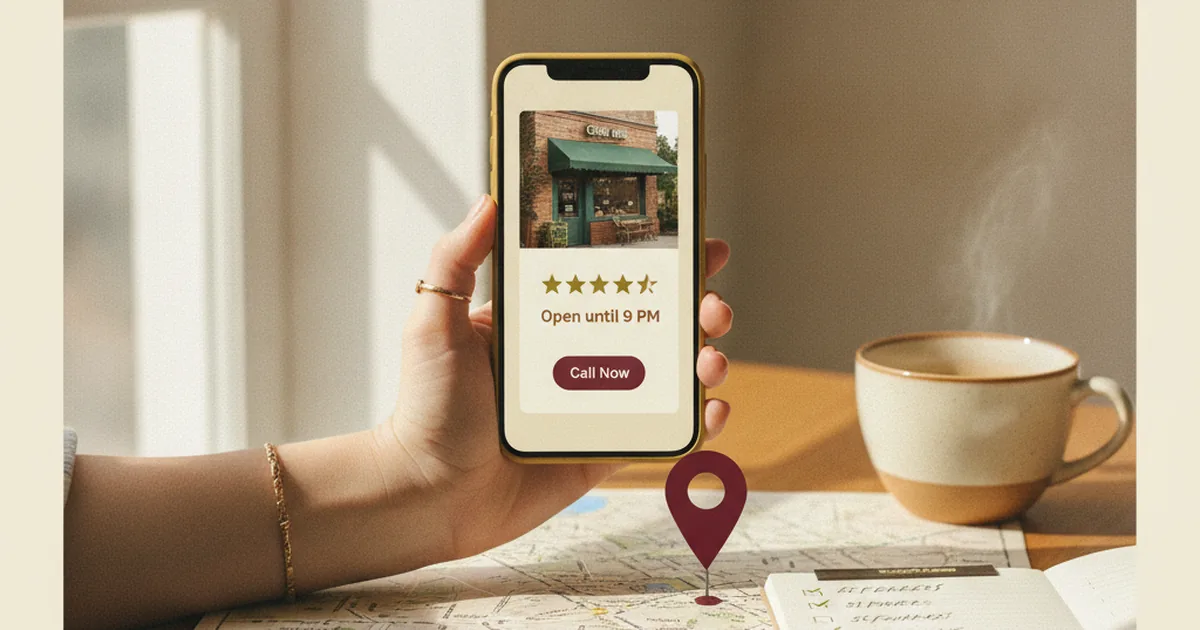
If you run a local business and can only do one SEO thing, make it this: your Google listing. It's the highest-return move available to you, it's free, and the vast majority of small businesses have it half-filled in or flat-out abandoned.
Here's what it actually is, why the name changed (and why that creates confusion when you search for information), how to get it in proper shape, and the mistakes that keep you off the map while your competitors show up.
First, the naming mess
There are three names for the same thing. Google My Business is the old name — a lot of people still search for it this way. Google Business Profile (Perfil de Empresa de Google in Spanish) is the current name — Google discontinued the standalone app, and now you manage everything directly from Search and Google Maps. And then there's "the Google listing", which is what everyone actually calls it: the panel on the right or top of mobile results showing the phone number, opening hours, photos, and reviews. All three refer to the same product. From here on I'll call it "the listing."
Why the listing is your most profitable local SEO asset
When someone searches "locksmith near me" or "restaurant in Ruzafa," Google doesn't show ten websites first. It shows a map with three businesses — the "local pack" — and the rest below. Those three spots get the majority of calls and foot traffic. You get into those spots through your listing, not your website. A small business with a mediocre website but a solid listing will consistently outperform a competitor with a beautiful site and a neglected listing. I see this pattern constantly.
How to get your listing in proper shape (what actually moves the needle)
Not all fifty fields — just the ones that matter, in order of impact.
1. Claim it and verify it
If you haven't claimed your listing, someone else might have, or Google created it automatically without your control. The first step is claiming and verifying ownership — Google offers verification by phone call, video, or postcard. Until you do this, you don't control what appears.
2. Your primary category decides almost everything
This is the most underrated field. The primary category tells Google which searches you're a candidate for. If you're a family law solicitor and you only select "lawyer," you're competing in a much broader, noisier pool. Choose the most specific category that accurately describes your actual business activity. Add secondary categories where relevant, but the primary one is what carries the weight.
3. NAP consistent everywhere
NAP stands for Name, Address, Phone — and all three must appear in exactly the same format across your listing, your website, and any directory you're listed in. An address written three different ways across different sources creates confusion for Google and erodes trust signals. Same capitalisation, same abbreviations, same phone format. Down to the details.
4. Reviews: the lever that weighs most
Reviews aren't decoration. They're one of the strongest factors determining whether you appear in the local pack and in what order. Quantity matters, but so does recency and how you handle them. Ask for reviews systematically — approach satisfied customers right when they're satisfied, not weeks later. Respond to every review, positive and negative. A calm, considered response to a negative review does more to convince a hesitant potential customer than ten five-star scores with no engagement. And never buy fake reviews. Google detects them increasingly well, and the penalty is worse than the original problem.
5. Real, recent photos
Listings with quality photos get more interaction. Use real photos — your premises, your team, your work — not stock images. And keep them current. A listing where the most recent photo is three years old signals a business that might not be active anymore.
6. Keep hours and details current
Incorrect opening hours are the most straightforward way to lose a customer: they show up, you're closed despite what Google said, and they don't come back. Update for public holidays and any changes to your schedule. It's the most basic thing and consistently the most neglected.
The mistakes that leave you invisible
These are the recurring failures that cost businesses customers. A listing that was never claimed and runs on autopilot. A primary category that's too generic or simply wrong. NAP inconsistent between website, listing, and directories. Zero review management — no asking, no responding. Keyword stuffing in the business name (writing "Cheap Emergency Locksmith 24h Valencia" when your business is called "Pérez Locksmiths") — this violates Google's guidelines and can get your listing suspended. And leaving the listing dormant with no fresh photos or posts — Google favours listings that show signs of life.
Is there more to local SEO than the listing?
The listing is the core, but it doesn't stand alone. Local rankings also depend on your website — local relevance signals, local business schema markup, consistent NAP — and on citations in reputable directories. The full picture is in the local SEO guide for small businesses. But the practical takeaway for today is this: if you haven't touched your listing, start there. It's free, improvements are fast to implement, and it's where you'll notice the phone ringing before anything else.
Frequently asked questions
Are Google My Business and Business Profile the same thing?
Yes. Google My Business was the old name; Google Business Profile is the current one. Google rebranded it and retired the standalone app — everything is now managed through Search and Maps. Same product, different name.
Is the Google listing free?
Creating and managing it is free. What costs is working it properly and keeping it active — managing reviews, uploading photos, keeping information current. You don't pay Google to appear on the map.
How many reviews do I need to appear in the local pack?
There's no magic number. A steady flow of genuine recent reviews with your responses carries more weight than a large batch accumulated at once with nothing coming in after. Consistency and authenticity matter more than hitting a specific count.
Can I put keywords in my business name to rank better?
You shouldn't. The name field should reflect the real name of your business. Adding keywords ("cheap locksmith 24h") violates Google's guidelines and can lead to suspension. Categories and the business description are the right places to signal what services you offer — not the name.
If you want to know whether your listing is properly set up or is quietly leaving you off the map, that's exactly what a local SEO audit covers. There are almost always two or three adjustments that generate more calls than a full website rebuild.