Core Web Vitals 2026 for small businesses: what I saw measuring 20 real sites
Real-world Core Web Vitals patterns (LCP, INP, CLS) from 20 Spanish small business sites audited: what matters, what doesn't, and how to fix without rewriting the site.
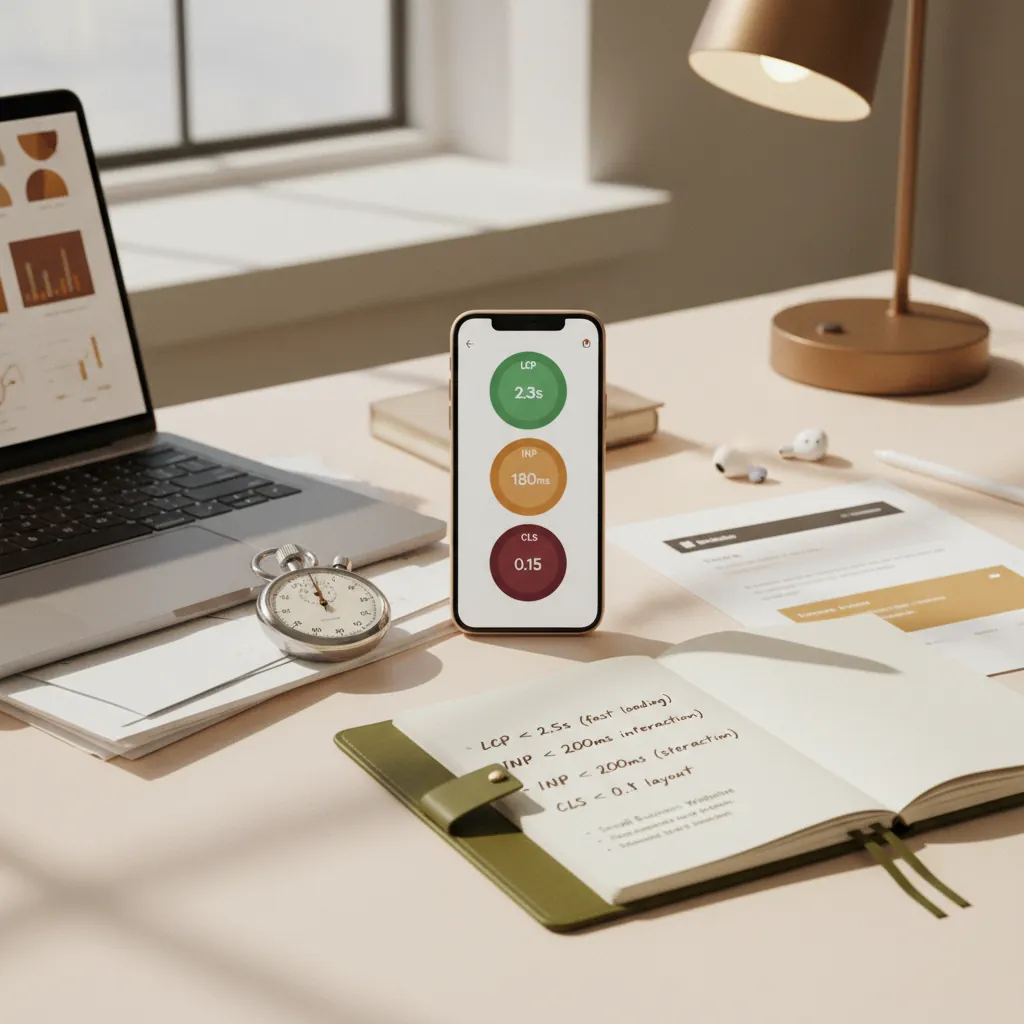
For a few weeks I've been measuring Core Web Vitals (CWV) with real field data (CrUX) across a sample of 20 small business sites in Spain I audited or manage. The short conclusion: half are failing LCP or INP, almost all are fine on CLS, and most could be fixed with 3-5 concrete changes without touching the design.
This post covers what I saw, which changes actually move the needle, and which textbook tips don't really matter.
Quick refresher on the three metrics
| Metric | What it measures | Green threshold |
|---|---|---|
| LCP (Largest Contentful Paint) | How long the largest visible element takes to paint | < 2.5 s |
| INP (Interaction to Next Paint) | How long the site takes to respond to the first user interaction | < 200 ms |
| CLS (Cumulative Layout Shift) | How much elements move visually during load | < 0.1 |
Important: what counts for SEO is field data (CrUX), not Lighthouse lab data. Lighthouse simulates; CrUX measures real users in Chrome with synced data. Find it in Search Console → Experience → Core Web Vitals, or in PageSpeed Insights under "Field Data".
Aggregated data from the 20 sites
Aggregate snapshot (no names):
- LCP in green (< 2.5 s): 11 / 20 (55%).
- LCP in amber (2.5-4 s): 7 / 20 (35%).
- LCP in red (> 4 s): 2 / 20 (10%).
- INP in green (< 200 ms): 9 / 20 (45%).
- INP in amber (200-500 ms): 8 / 20 (40%).
- INP in red (> 500 ms): 3 / 20 (15%).
- CLS in green (< 0.1): 17 / 20 (85%).
- CLS in amber or red: 3 / 20.
Most surprising: INP matters more than people think. It's the metric that replaced FID in March 2024, and many sites built 2-3 years ago haven't adapted.
LCP: the 3 real causes in the 9 failing sites
Cause 1: unoptimized hero image
7 of the 9 sites with non-green LCP had a heavy hero JPG (300 KB - 1.2 MB) served without WebP/AVIF and without proper loading="eager".
Concrete fix:
- Convert hero to WebP (~30% of the JPG weight at equivalent visual quality). If you support AVIF, even better.
- Make sure
loading="eager"andfetchpriority="high"are set on the hero. - Define explicit
widthandheightso the browser reserves the space (also helps CLS). - In Next.js,
<Image priority>withquality={85}usually solves it.
Typical result after this change: LCP drops from 3.8 s to 2.1 s on real mobile 4G.
Cause 2: custom font without font-display: swap
4 of the 9 suffered FOIT (Flash Of Invisible Text) because the custom font loaded without font-display: swap. Hero text only paints once the font arrives.
Concrete fix:
- Add
font-display: swap;to every@font-face. - Self-host the fonts (don't load directly from Google Fonts) to remove the extra DNS handshake.
- Subset the fonts to the actual characters you need (latin for ES).
- Preload the most critical .woff2 file with
<link rel="preload" as="font" type="font/woff2" crossorigin>.
Result: 600-900 ms improvement in LCP without touching content.
Cause 3: blocking third-party scripts
2 sites with bad LCP had 3-5 third-party scripts (chat widgets, tracking pixels, A/B testing tools) loading before the content.
Concrete fix:
- Load all non-critical scripts with
deferorasync. - Move the chat widget so it only loads after 3 s or on the first scroll.
- Remove A/B testing tools you no longer use (common).
- In Next.js,
<Script strategy="lazyOnload">for everything non-essential.
INP: the silent one failing 55% of sites
INP replaced FID in March 2024. It measures how long the site takes to respond when the user does something (tap, click, significant scroll). The 11 sites I measured with non-green INP shared 2 causes:
Cause 1: blocking JavaScript on the main thread
Third-party JS (Google Analytics, Hotjar, Intercom, etc.) or poorly optimized own JS blocks the main thread during initial load. User taps → browser can't respond until the script finishes.
Concrete fix:
- Audit with Chrome DevTools → Performance → Main thread, look for tasks > 50 ms.
- Move heavy logic to Web Workers.
- Aggressive code-splitting: load JS per route, not globally.
- Remove JS for unused features (most common: carousel libraries loaded everywhere but only used on home).
Cause 2: React with unnecessary re-renders
5 of the sites with bad INP were SPAs or poorly optimized Next.js sites. Each interaction triggered a re-render of a large component tree.
Concrete fix:
useMemoanduseCallbackon handlers passed to children.React.memoon components rendering long lists.- Server Components in Next.js 13+ to move logic to the server.
- Suspense + streaming so interactive parts don't block.
Typical result: INP from 450 ms drops to 180 ms.
CLS: mostly solved, but watch out for the 3 rebel cases
CLS is the metric where most sites are OK. The 3 sites in amber/red had it for a single cause: cookie/ad banners inserted late that push the main content downward.
Fix:
- Reserve the banner space with
min-heightBEFORE it loads. - If the banner is an overlay, position it
fixedorabsoluteso it doesn't affect the flow. - For programmatic ads, use
aspect-ratioormin-heighton the slots.
What does NOT move the needle (they'll suggest it anyway)
- Enable HTTP/3 on Cloudflare: marginal improvement (50-100 ms) except on very slow networks. Not a priority before optimizing the page.
- Aggressively minify CSS / JS: your bundler already does this. Removing 5 KB from a 200 KB bundle won't move LCP.
- Migrating from WordPress to Next.js just for CWV: if the site has well-structured content, optimizing WordPress (CDN + cache + WebP images + lazy load) is usually enough. Migrating costs more than it saves.
- «Lazy load» EVERYTHING: lazy load on the hero increases LCP (opposite of desired). Lazy load only below the fold.
30-day plan by impact order
- Day 1-2: audit with PageSpeed Insights + Search Console CWV. Identify the 3 pages with most impressions that are in amber/red.
- Day 3-5: optimize hero of those 3 pages (WebP + width/height + priority).
- Day 6-10: fix fonts (font-display: swap + preload).
- Day 11-15: audit third-party scripts. Remove 2-3 non-essential ones. Move the rest to
deferor lazy. - Day 16-25: if INP is bad, audit with Chrome DevTools and apply JS fixes.
- Day 26-30: re-measure with CrUX (Search Console takes 28 days to show new data because of the 28-day rolling window it uses).
In 30 sustained days, 70% of small business sites can move all 3 CWV to green without rewriting any of the design.
Why this matters more in 2026
Beyond classic SEO (CWV has been a confirmed ranking factor since 2021), in 2026 it matters doubly because:
- Generative AIs (ChatGPT, Perplexity, AI Overviews) penalize slow sites when deciding what to cite. A slow page signals that the site isn't well maintained.
- The average mobile user in Spain increasingly browses on normal 4G/5G, not fiber. The difference between 2.1 s and 3.8 s LCP on mobile is the difference between bounce and conversion.
- Your local competition is catching up. Three years ago you could be the slow one and still rank. Today, you can't.
Is your site in amber or red on CWV? It's the first thing I check in a technical SEO audit. If you want continuous maintenance, monthly technical SEO includes continuous CWV monitoring.