Google Discover for small businesses: why you can't optimise it the way you think
Google Discover can send thousands of visits in a day and zero the next. What it is, why your site doesn't show up, and the technical requirements that are actually in your hands.
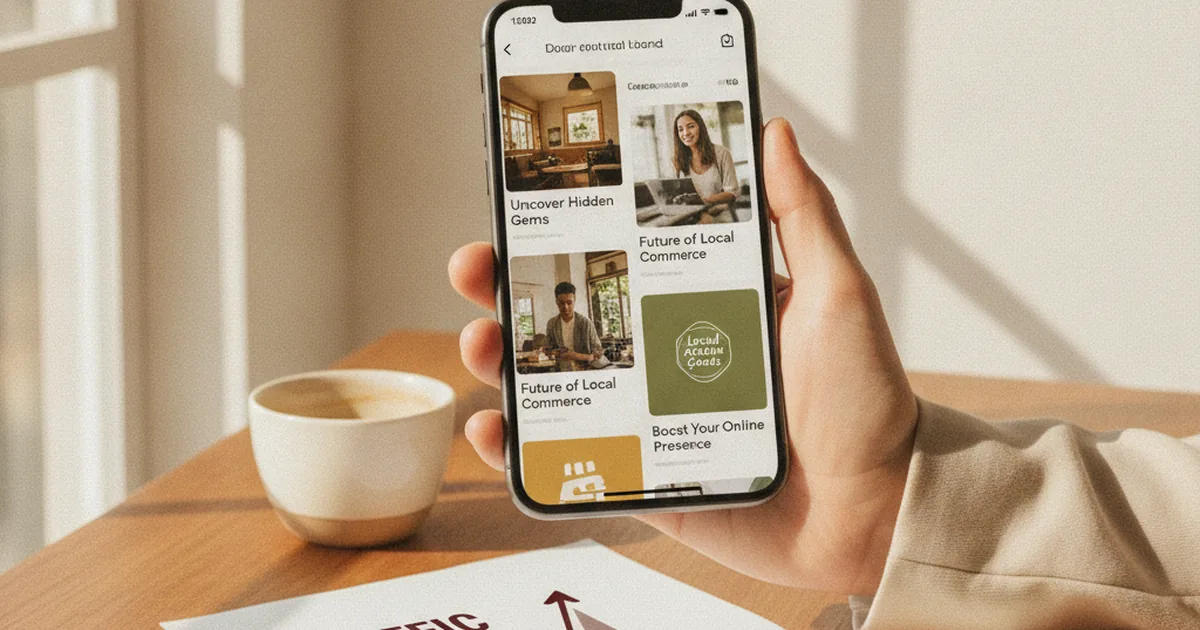
There's a kind of traffic that doesn't come from someone searching for you. It comes from Google deciding to show you to someone who wasn't looking. That's Google Discover: the feed of cards that appears in the Google app and on the home screen of many Android phones, below the search bar.
For a small business, Discover is equal parts seductive and frustrating. The seductive part: it can send a spike of thousands of visits in a single day without you doing anything different. The frustrating part: the next day it can vanish, and nobody —not even Google— will hand you a clear lever to bring it back.
Here's what it actually is, why most "how to rank in Discover" advice is noise, and which technical requirements are genuinely within your control.
What Google Discover is, and how it differs from search
Classic search answers an intent: someone types "emergency plumber Valencia" and Google ranks results for that query. You optimise a page for that keyword and compete for that position.
Discover works the other way around. There's no query. Google builds a personalised feed for each user from their history, interests and location, and decides what content might interest them before they ask. Your content doesn't compete for a keyword: it competes to fit a person's interests at a specific moment.
That changes three things at the root:
- You don't pick the keyword. There's no query to target. Google infers what your content is about and who it fits.
- You don't control when you appear. The same article can get nothing for weeks and then spike on a random Tuesday.
- Format matters more than in search. Discover is a visual, mobile, scroll-based feed. The image and the headline weigh as much as the content.
Why your site probably doesn't appear in Discover
The most common reason isn't that your content is bad. It's that it isn't even eligible. Google Discover has an entry threshold that many small-business sites never cross, and it's usually technical, not editorial.
These are the blockers I see again and again when I audit why a site doesn't get into Discover:
- The site isn't well indexed on mobile. Discover is a mobile product. If your site has indexing problems or a poor mobile version, you're not a candidate.
- No authorship or brand signals. Google wants to surface content from sources it recognises. A site with no clear identity, no pages about who's behind it, no track record, starts at a disadvantage.
- The content is purely commercial. A service page ("Full home renovations in Bilbao") is not Discover content. Discover rewards articles that add something: they explain, they tell, they help. Your homepage and commercial landing pages almost never get in.
- Small or missing images. Discover needs large, high-quality images to build the card. Without an image at least 1,200 px wide, Google often won't even consider you.
The requirement almost nobody meets: the large image
This deserves its own section because it's the most concrete and the most ignored.
Google explicitly recommends images at least 1,200 pixels wide and enabling them for large preview. In practice, that's done with the max-image-preview:large directive in the page's robots meta tag:
<meta name="robots" content="max-image-preview:large">
If your site doesn't send that signal, Google uses a cropped thumbnail or simply skips your content for Discover, where the card lives off the image. Most small-business sites I review have 600-800 px images recycled from the web design and no preview directive at all. It's a silent failure: nobody warns you, you just don't show up.
It's no guarantee of getting in —nothing is, in Discover— but without it you cut your odds sharply.
E-E-A-T: the part you can't game
Google insists that Discover leans heavily on its helpful-content systems and on E-E-A-T signals: experience, expertise, authoritativeness and trust. Translated for a small business, it means Google prefers to show content it can attribute to someone real and competent.
This isn't solved with a plugin. It's built:
- Author or team pages that show who writes and why they know the topic.
- Content that demonstrates first-hand experience, not a rehash of ten other articles.
- Consistency: a site that publishes about its field with judgement accumulates the trust Discover looks for.
If your blog is four generic posts written to "fill space," Discover isn't for you yet. And that's fine: there are more reliable traffic channels to start with.
What you can control (an honest checklist)
I can't promise you'll appear in Discover. Nobody serious can. But I can tell you what's in your hands to be eligible, which is the real first step:
- Clean mobile indexing. Check in Search Console that your pages index without errors and that the mobile experience is good.
- Images 1,200 px or wider in your articles, with
max-image-preview:largeactive site-wide. - Clear headlines, not clickbait. Google penalises exaggerated or misleading headlines in Discover. Describe, don't manipulate.
- Content that adds value, not just sells. Guides, explanations, answers to your customers' real questions.
- Brand and authorship signals: who you are, what you do, since when.
- Decent Core Web Vitals. Loading speed and stability influence the experience Google wants to offer in the feed.
- Check the Discover report in Search Console. It only appears once you've received Discover traffic; it's the only reliable source for which of your content fits.
The right expectation
Discover is not a channel to build a business on. It's volatile by design: Google adjusts it without notice and traffic comes and goes. Treating it as your main source of customers is building your house on sand.
The healthy way to see it: if you do the underlying SEO well —a fast, well-indexed site, with useful content and a recognisable brand— Discover arrives as a consequence, not a goal. The same things that make you eligible for Discover make you better in search, in AI answers, and in how your customers perceive you. Optimise for that. Discover, if it comes, is a tip.
Frequently asked questions
Can I "rank" in Google Discover like in search?
Not the same way. In search you target a keyword and compete for a position. In Discover there's no query: Google decides who to show you to. You can only work to be eligible (technical requirements, useful content, brand signals), not for a specific position.
Why do I appear one day with lots of visits and nothing the next?
That's normal Discover behaviour. The feed is personalised and shifting; Google constantly adjusts what it shows. A spike followed by a drop doesn't mean you did anything wrong: it means Discover is volatile by nature.
Do I need a blog section to get into Discover?
Practically yes. Discover rewards editorial content (articles that explain or help), not commercial pages. Without article-type content, your site has very few chances of appearing.
How do I know if I'm getting Discover traffic?
In Google Search Console, in the "Discover" report, which only shows once you've had impressions or clicks from that feed. It's the only official source; external tools don't measure it reliably.
If you want to know whether your site is even eligible for Discover —or why it loses organic traffic in general— that shows up in a technical audit. Almost always the problem isn't Discover: it's something foundational that's also holding you back in regular search.